Creating Your Account
The whole process takes about 5 minutes. Here's exactly what to do.
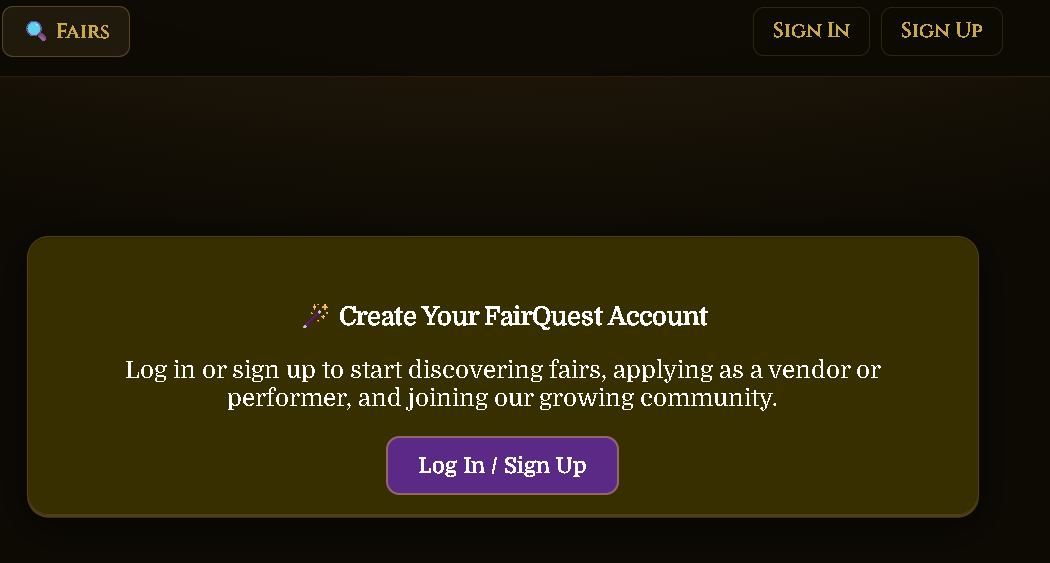
Go to FairQuest & Click Sign Up
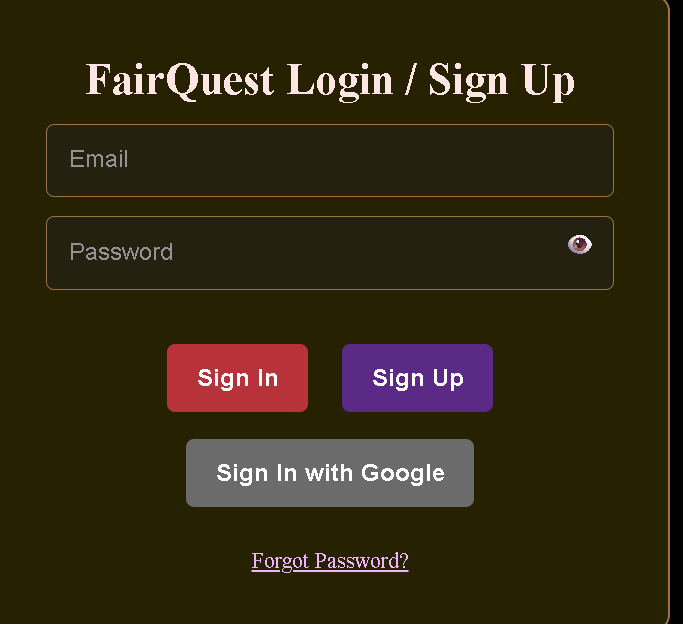
Visit fairquestapp.com and click Sign Up or Create Account. Enter your email address and choose a password.
Verify Your Email
After signing up, FairQuest sends a verification email to the address you used. Open that email and click the verification link. You must do this before you can log in.
Log In to Your Account
Once your email is verified, go back to fairquestapp.com and click Log In. Enter your email and password to access your account.
Go to Your Profile & Complete Setup
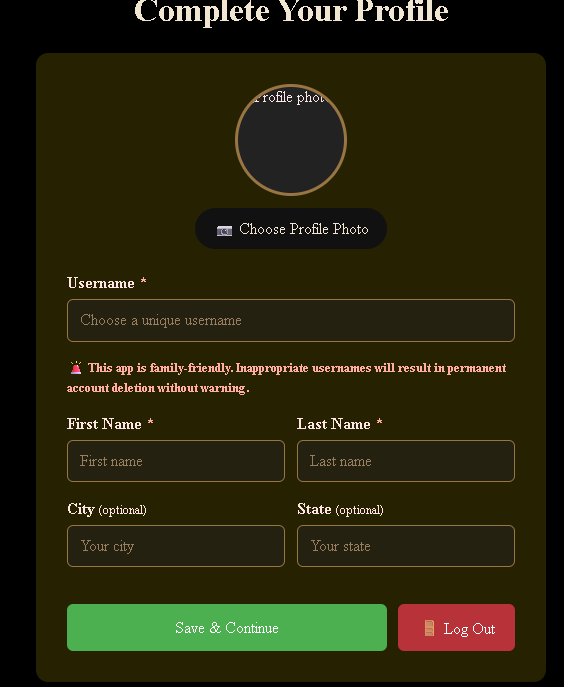
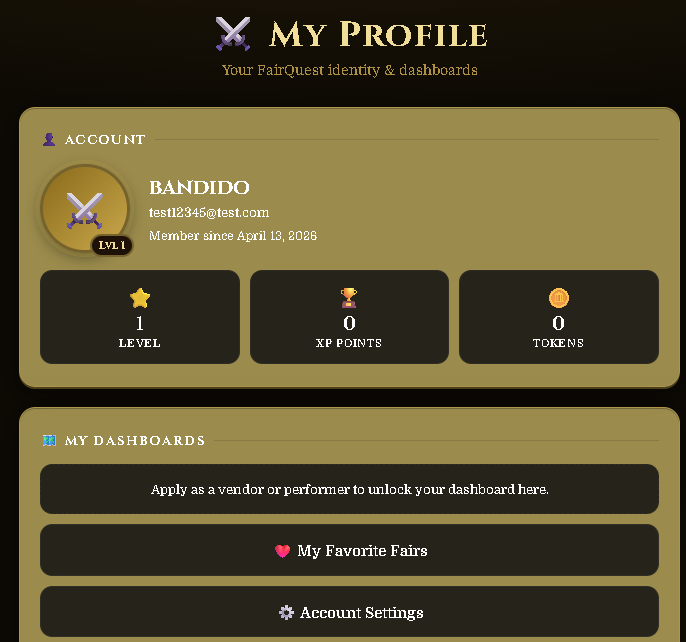
After logging in, click on Profile in the top menu. You'll be taken to the profile setup page where you fill in your basic information:
• Username — your public display name on FairQuest
• First & Last Name
• City & State (optional)
• Profile Photo (optional)
Click Save & Continue
Once you've filled in your info, click Save & Continue. Your profile is now set up and you can start exploring fairs, saving favorites, and using all FairQuest features.
What You Can Do With Your Account
Now that your account is set up, here's what you can do on FairQuest.
Browse & Save Favorite Fairs
Search for Renaissance fairs near you and save your favorites so you never miss an event.
Want to Become a Vendor or Performer?
If you want to apply to sell at a fair or perform, you'll need to set up a vendor or performer profile. Check out the guides below.
Are You a Fair Owner?
If you manage a Renaissance fair and want to use FairQuest to manage applications and vendors, see the Fair Owner guide.
🏰 Fair Owner Guide